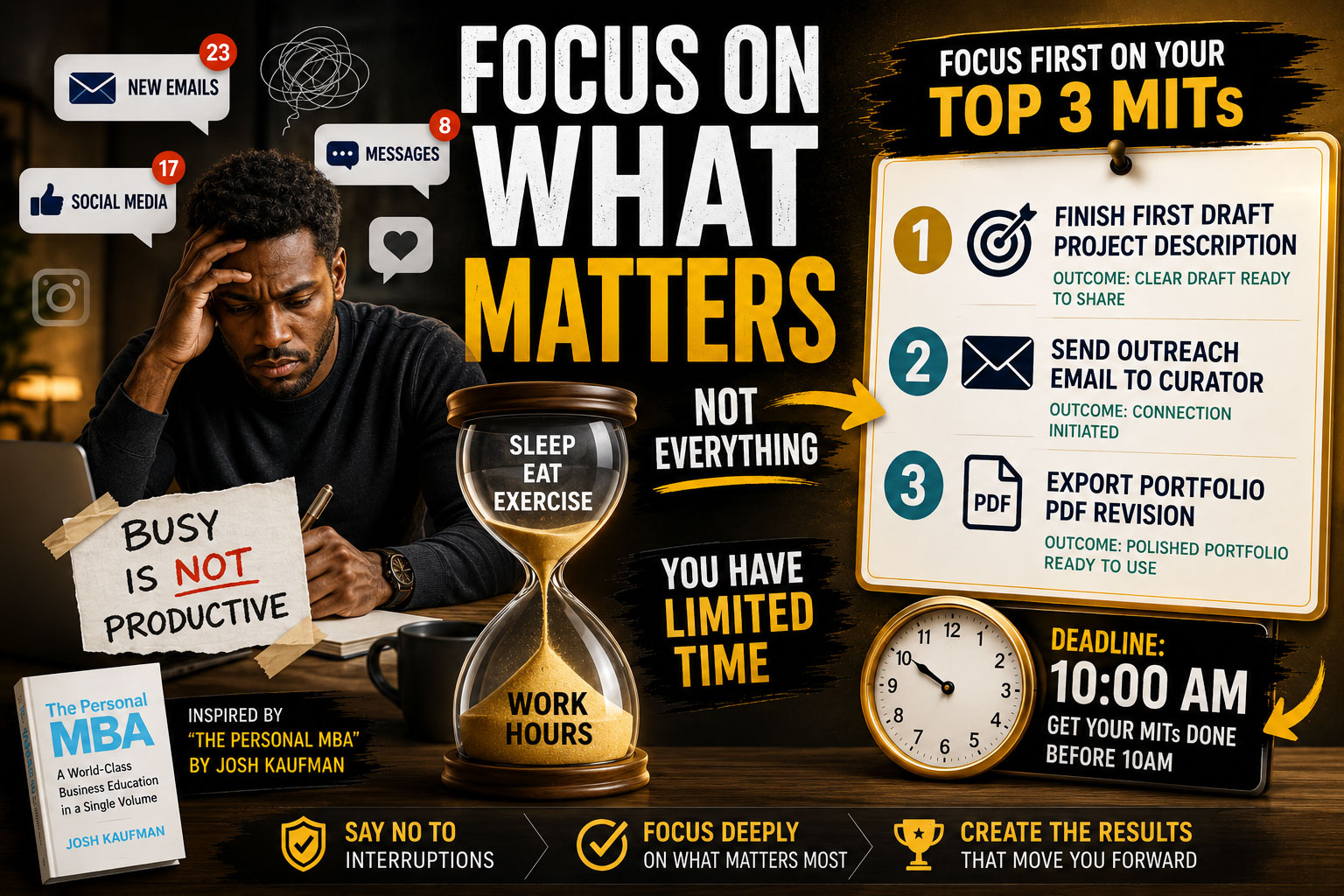
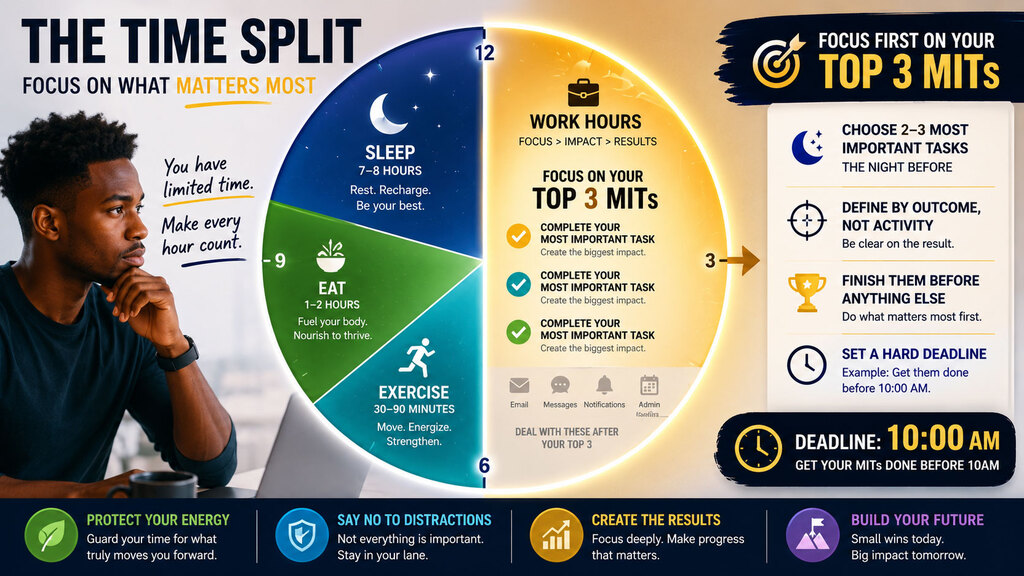
The struggle for time is real. After sleeping, eating and exercising, you are left with a few hours for work. What do you do?
Are you seriously going to check your social media accounts, or answering emails?
What are the top 3 tasks that will create the most important results you’re looking to achieve?
The way I got to apply the Most Important Tasks (MITs) framework is through reading an excellent book named “The Personal MBA: a world-class business education in a single volume” by Josh Kaufman.
If you have not read it, I highly recommend you do. It will immediately change your perspectives and focus on what matters.
Transcript from my notes
Not all tasks are created equal. Some are more important than others. If you want to make the most of your limited time and energy, it pays to focus on completing the tasks that will make the biggest difference first, before spending your time and energy on anything else.
A most important tasks (MIT) is a critical task that will create the most important results you’re looking to achieve.
Everything on your plate is not equal in importance or value, so don’t treat everything on your task list the same. By taking a few minutes to identify a few tasks as important, you’ll make it easier to focus on doing them first.
At the beginning of every day, create a list of two or three MITs. Then, focus on getting them done as fast as possible. Keep this list separate from your general to-do list or task tracking system.
Combining these techniques with Parkinson’s law by setting an artificial deadline is very effective. If you set a goal to have all of your MITs done by 10 a.m., you’d be amazed how fast you can complete today’s most important tasks.
Having a list of two or three MITs helps you maintain a mono-ideal state by giving you permission to say no to interruptions that aren’t as important.
Practice
- Choose 2–3 “Most Important Tasks” the night before.
- Define them by outcome, not activity.
- Finish them before reactive work (email, messages, admin).
- Add a hard cutoff (for example: “complete before 10:00”).
- Keep them physically separate from the larger task system.
Example:
Instead of:
- “Work on grant application”
Use:
- “Finish first draft of project description”
- “Send outreach email to curator”
- “Export portfolio PDF revision”
This reduces ambiguity and initiation friction.